


Description
The DiFluid Moment Turns Every Cup Into a Guided Tasting
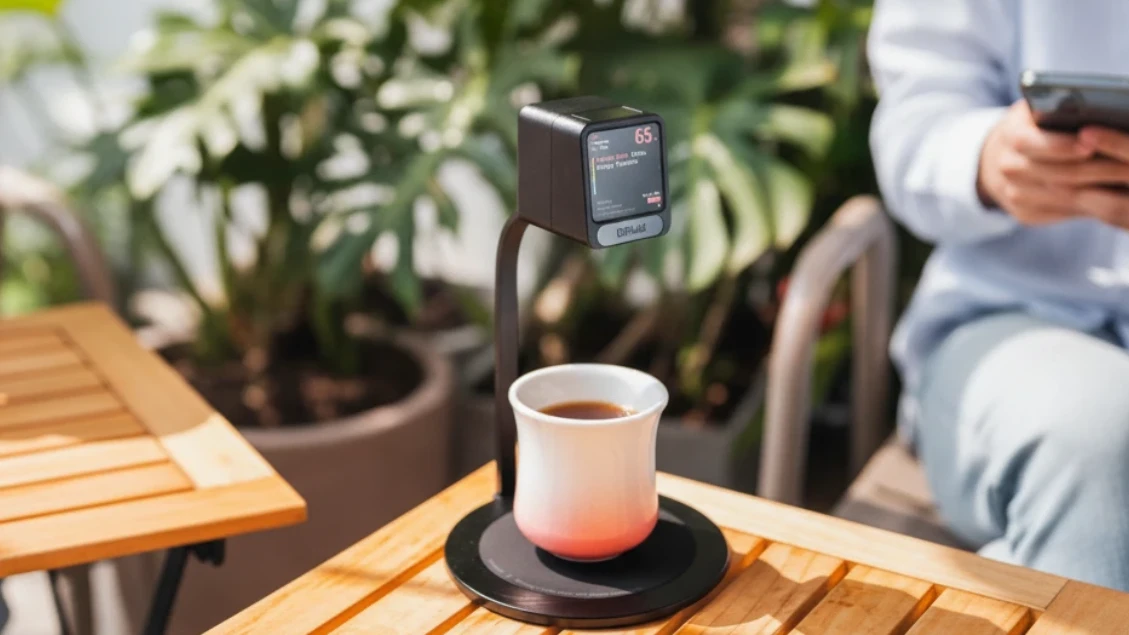
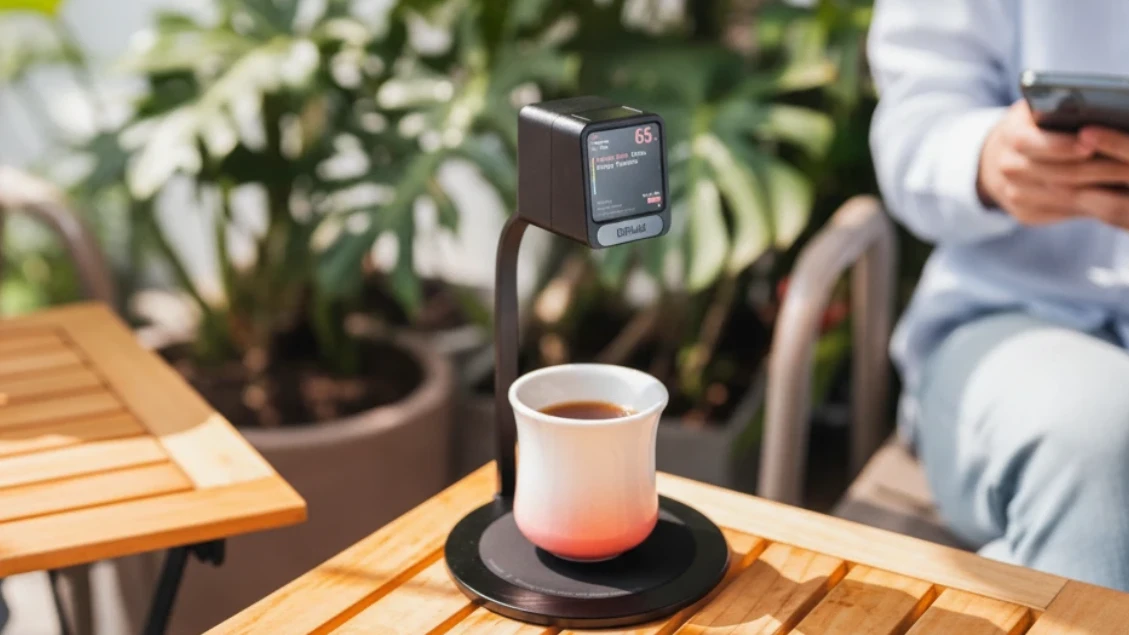
A cup of coffee changes character every few minutes as it cools — most drinkers taste none of it. The DiFluid Moment surfaces those shifting notes on screen, live, so nothing built during cupping is lost between the roaster’s bench and the customer’s table.
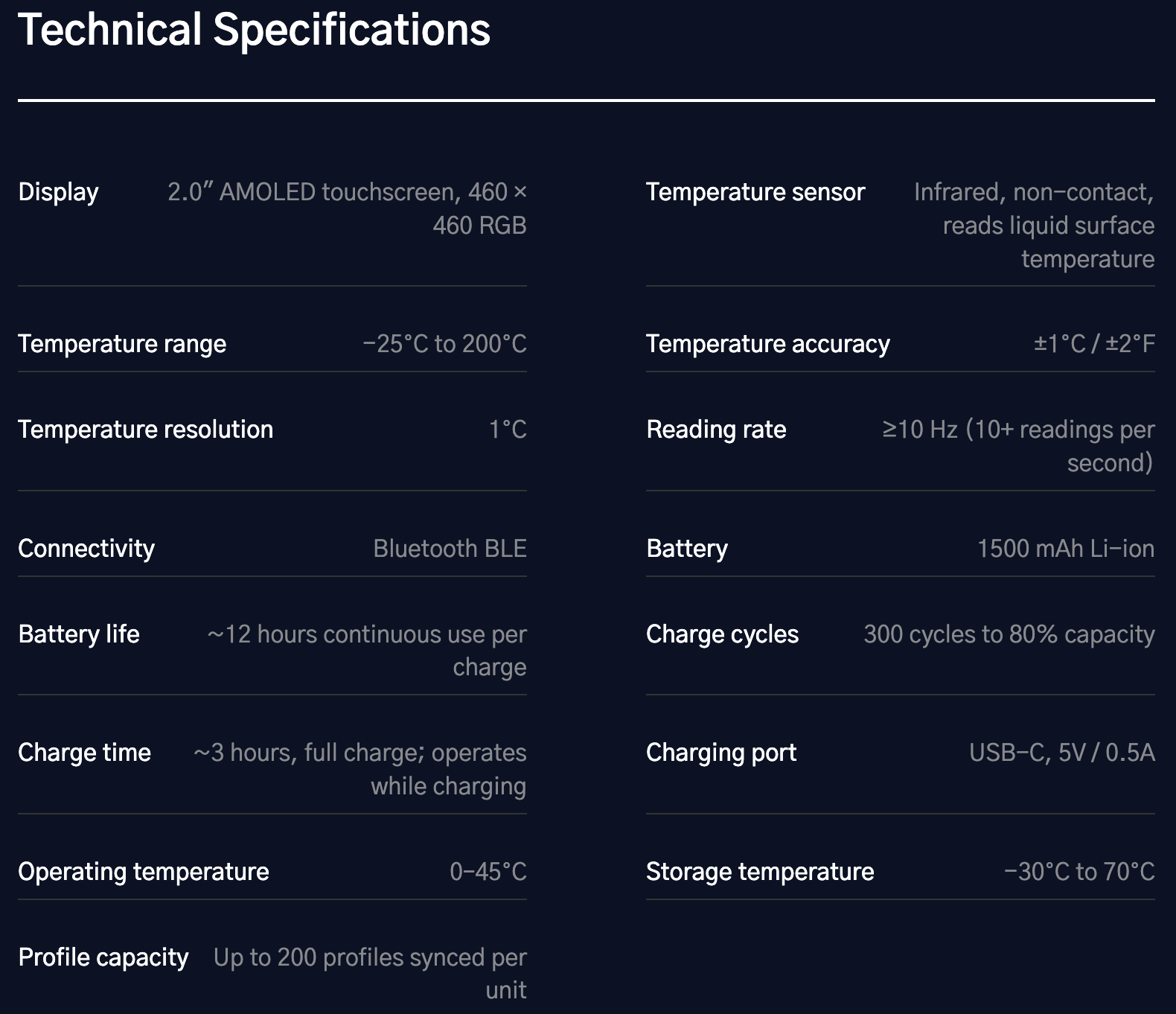
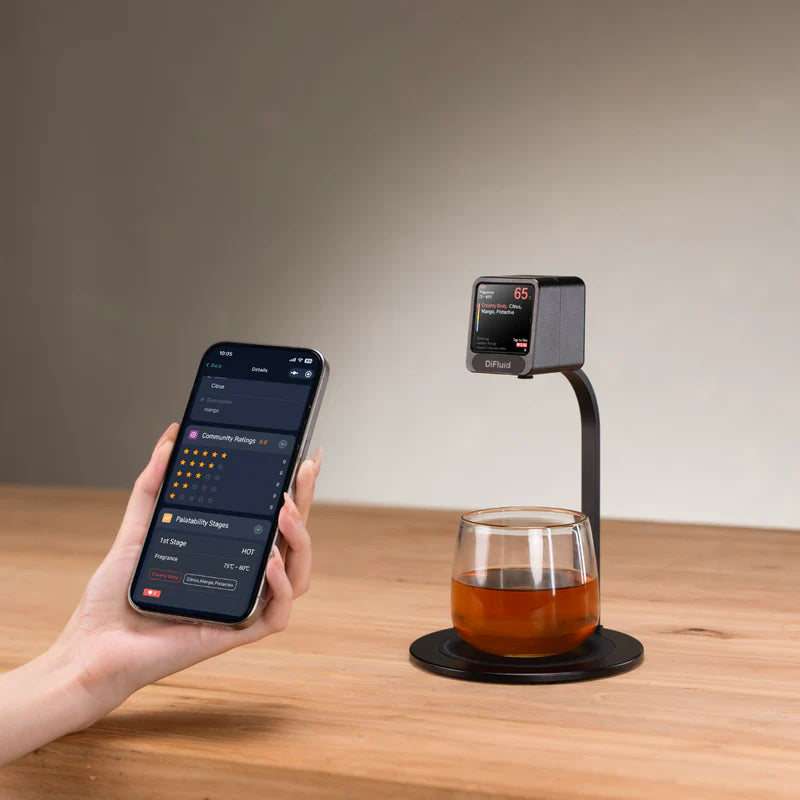
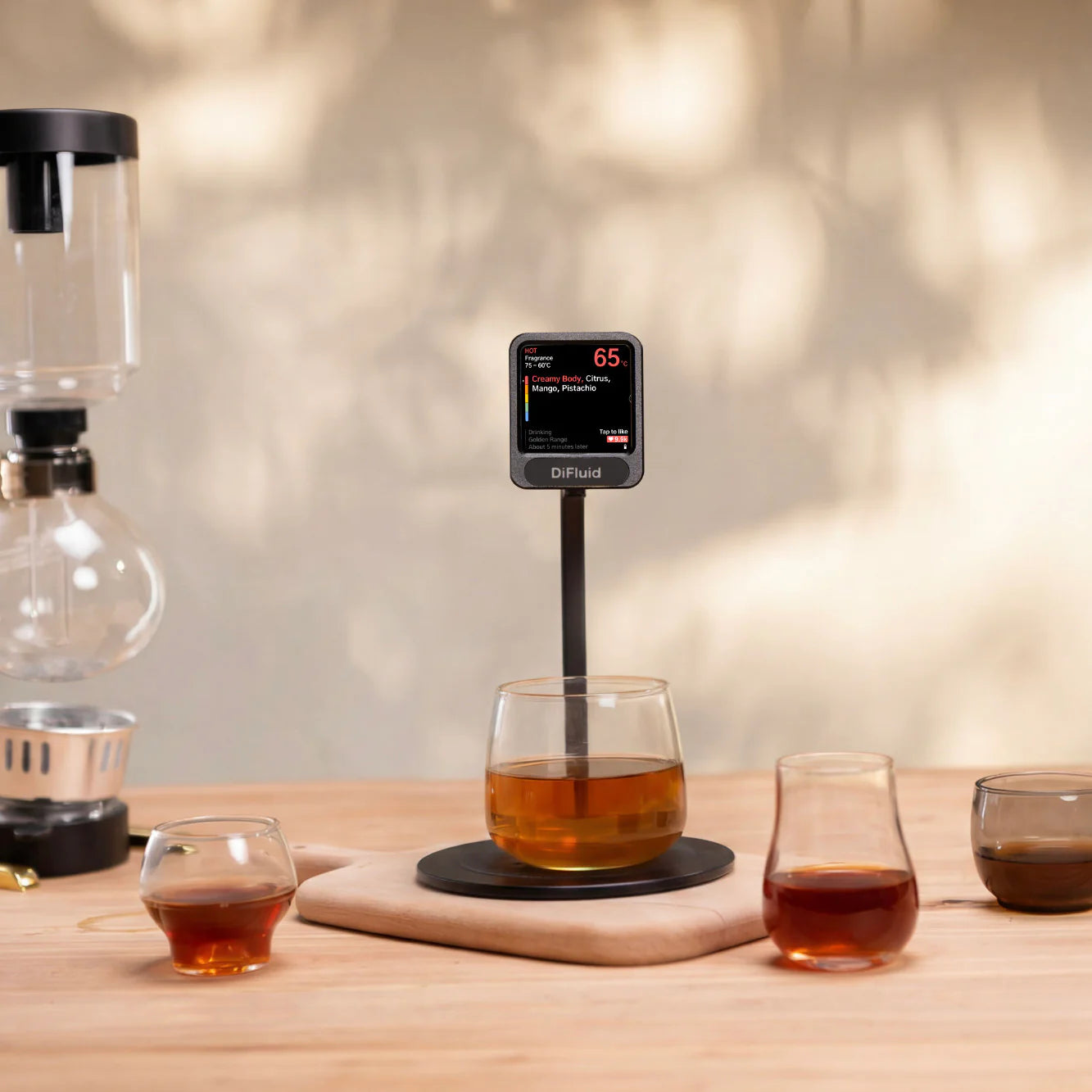
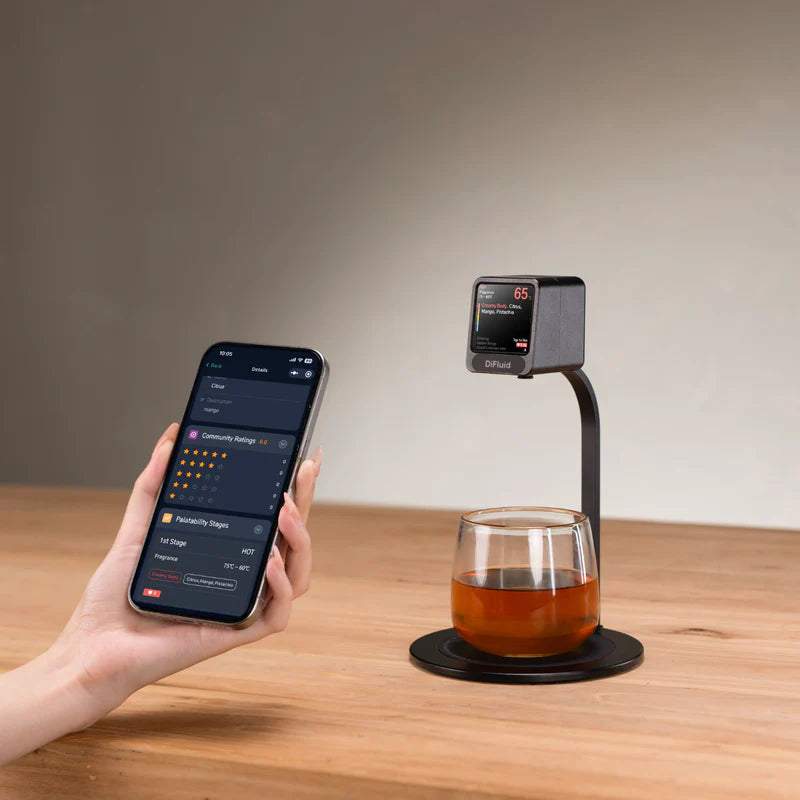
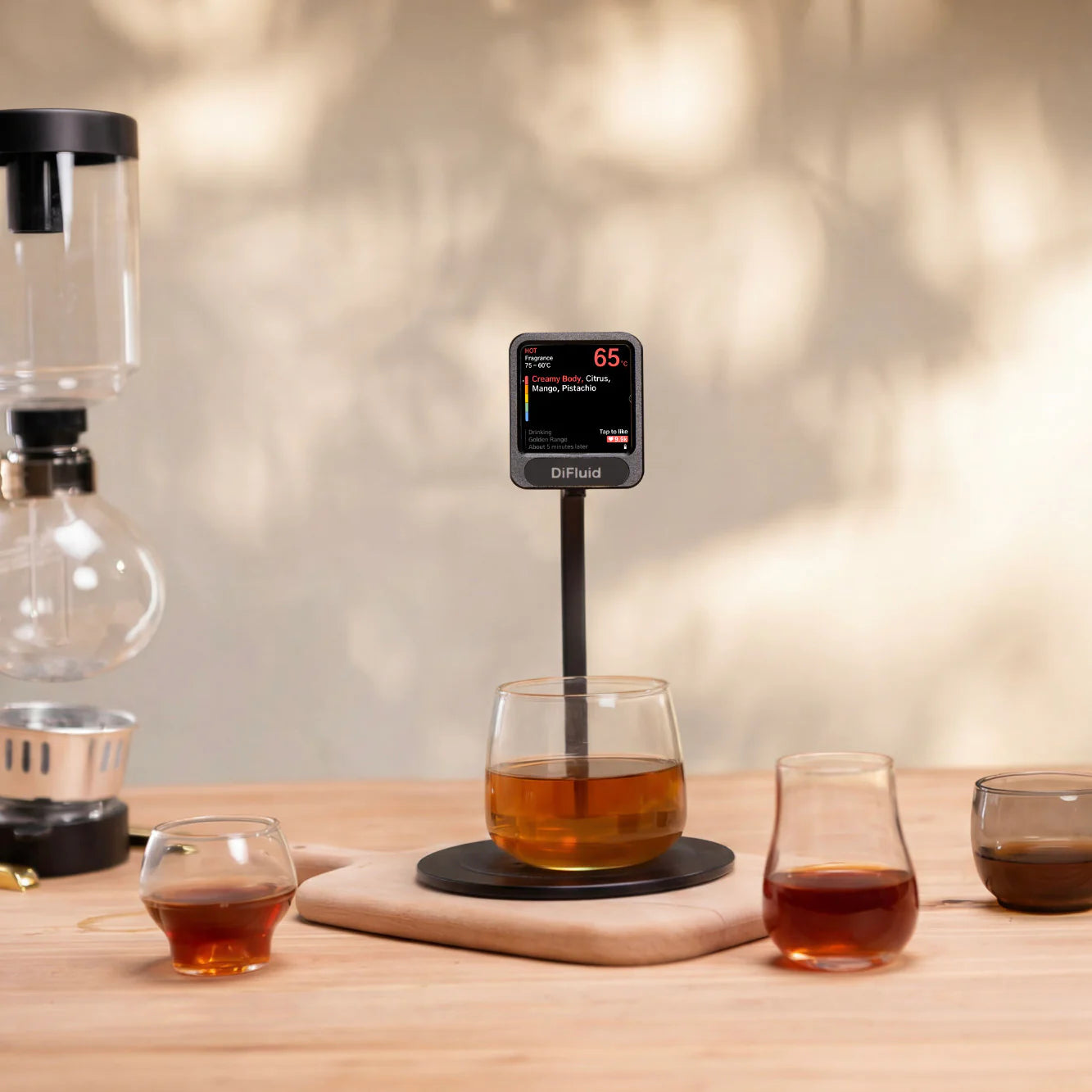
Real-time temperature sensing tracks the cup as it moves through each cooling window, calling up the exact tasting notes a barista or roaster recorded for that stage. It plays out like a guided cupping session — at the bar, on the table, or at home.
Built Around the Cupping Table
- Converts any cupping or tasting session into a shareable Moment Profile
- Syncs every session back to CoffeeOS for record-keeping and reuse
- Gives customers a personal-barista experience as their coffee cools
- Collects tap-to-like and long-press feedback in real time
- Aggregates customer feedback into a single café dashboard
A Temperature-Guided Tasting Companion
Stage-by-Stage Playback
Tasting notes appear exactly when the coffee reaches the temperature window they describe, so the drinker experiences the cup the way the roaster intended.
Real-Time Temperature Sensing
Live temperature tracking maps each cooling stage, helping users understand how flavour shifts as the cup cools rather than guessing at a single sip.
Moment Profiles
Any cupping or tasting session can be turned into a Moment Profile and shared with other users, at home or across a café team.
CoffeeOS Connected
Every session links back to CoffeeOS, keeping tasting data organised and ready for the next cupping.
Tap and Long-Press Feedback
Tap the screen to like the current temperature window; long-press to leave an overall opinion — direct, anonymous input for the shop.
Aggregated Dashboard
Likes and ratings from café customers are collected together in the shop owner’s dashboard for quick, honest feedback.
One Device, Two Ways to Taste
At home, the DiFluid Moment plays back your own cupping notes as your coffee cools, turning a quiet brew into a structured tasting. On a café counter, it becomes a table-side guide for customers and a feedback channel for the shop.
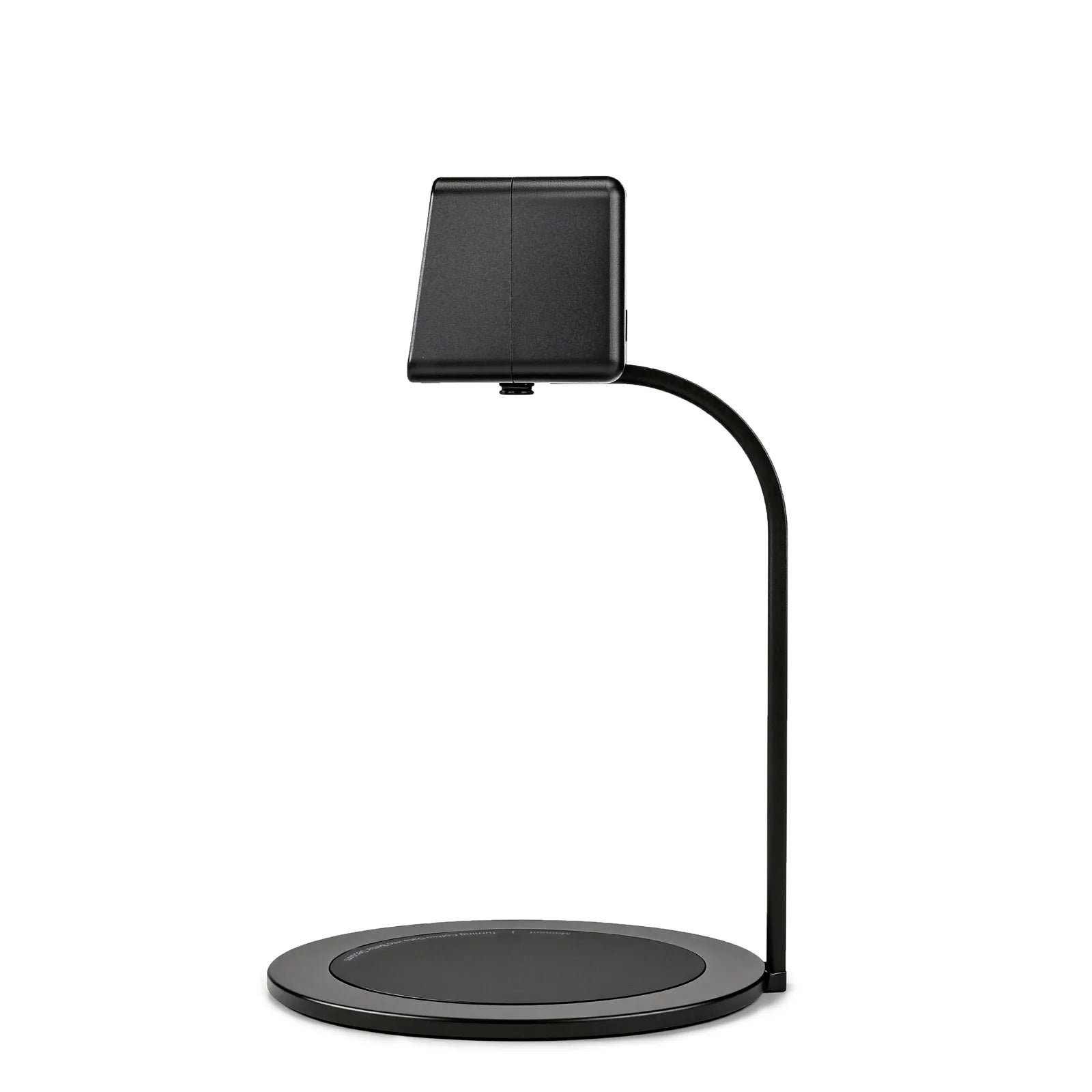
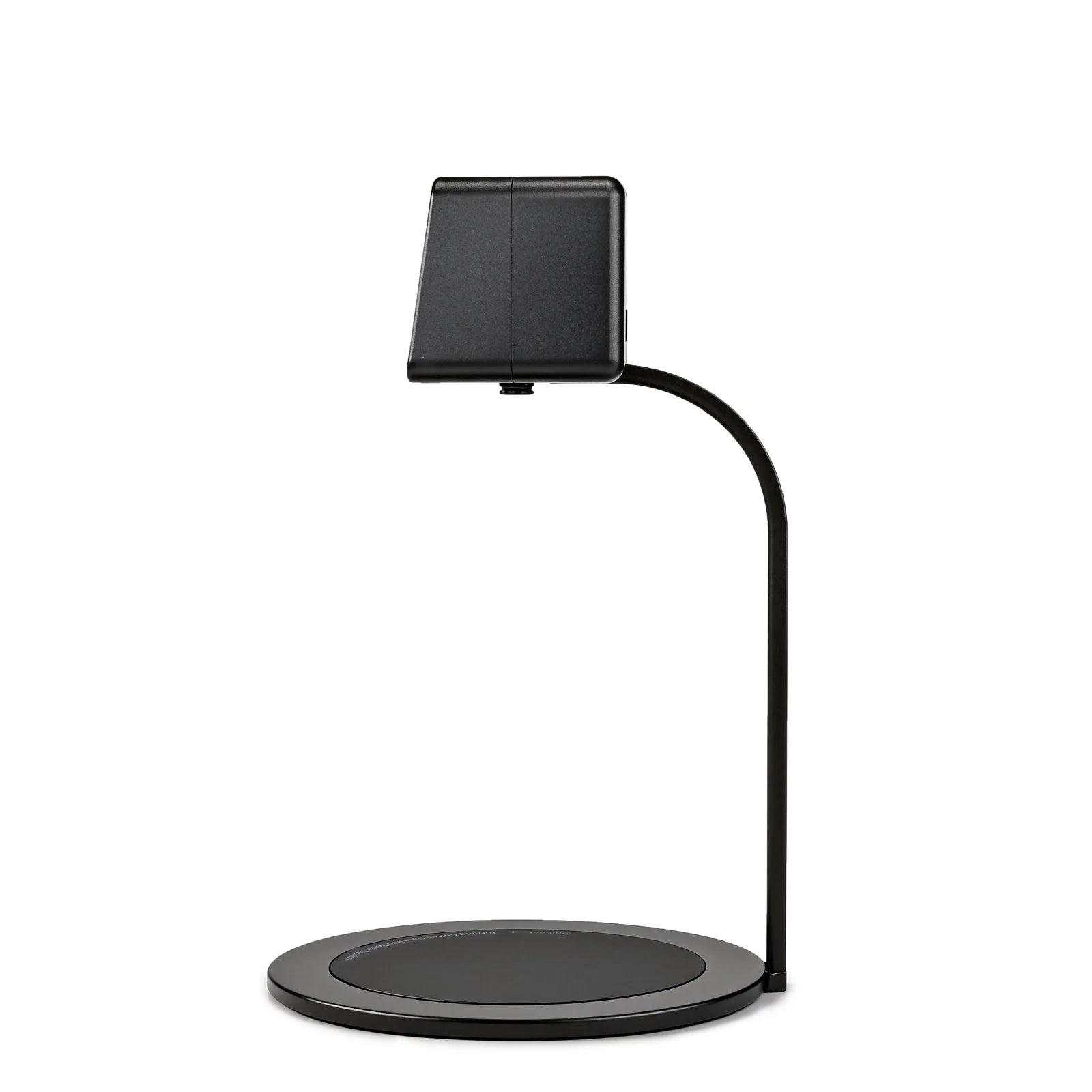
- Function: Temperature-guided cupping and tasting device
- Core feature: Real-time temperature sensing linked to staged tasting notes
- Software: CoffeeOS connectivity, Moment Profile creation and sharing
- Feedback input: Tap (like) and long-press (overall opinion) gestures
- Café use: Aggregated customer feedback shown on shop owner’s dashboard
- Home use: Personal cupping sessions saved and replayed as Moment Profiles
DiFluid Moment: Frequently Asked Questions
Does the DiFluid Moment work for home brewing, or only in cafés?
Both. Home brewers can build and replay their own Moment Profiles; cafés use the same device table-side and collect customer feedback through the dashboard.
How does the device know which tasting note to show?
Real-time temperature sensing tracks the cup’s cooling stage and matches it to the tasting notes recorded during the original cupping session.
Can Moment Profiles be shared between users?
Yes. Any cupping or tasting session can be turned into a Moment Profile and shared with other DiFluid Moment users.
Does it need to be connected to CoffeeOS to work?
Every session syncs back to CoffeeOS, which stores tasting data and keeps Moment Profiles organised for reuse.
How does customer feedback reach the café owner?
Tapping the screen logs a like for the current temperature window; a long-press records an overall opinion. Both feed into the aggregated dashboard the shop owner sees.
Built for Roasters, Café Teams, and Curious Home Brewers
The DiFluid Moment suits roasters who want their cupping notes to reach the final drinker, café teams looking for an honest read on customer preference, and home brewers who want to taste coffee the way a professional cupping table does — one temperature window at a time.



Reviews
There are no reviews yet.